Installation Remediation for a Failed Installation or Upgrade
Overview
Troubleshooting a failed FormBuilder Rx installation or upgrade when automatic post-install processing cannot complete.
Issue
In organizations with large or complex metadata, an installation or upgrade can fail when a post-install script encounters an unexpected condition.
FormBuilder Rx 2026 Release 2 provides a controlled remediation path that allows administrators to skip automatic post-install execution, reinstall the package, and run the post-install process manually with visible status and logging.
Solution
Use the following workflow when an installation or upgrade fails during automatic post-install processing:
Failed installation or upgrade → configure remediation → reinstall successfully → run and validate post-install processing.
This workflow reduces diagnostic time and helps customers adopt the latest release with less disruption.
Step 1
Go to .
Step 2
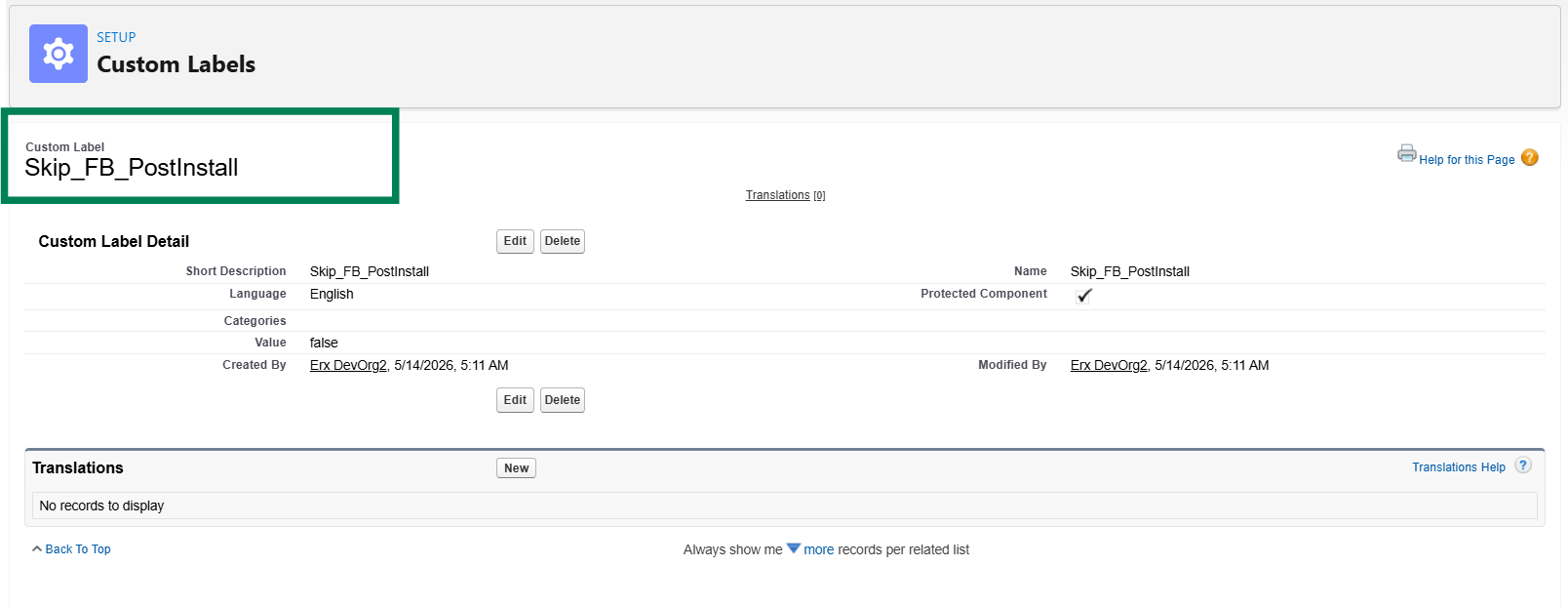
Create a custom label using the following values:
| Custom Label Field | Value |
|---|---|
| Label | Skip FB PostInstall |
| Name / API Name | Skip_FB_PostInstall |
| Value | true |
Step 3
Install or upgrade the FormBuilder Rx 2026 Release 2 v9.8 package using the applicable installation link.
The automatic post-install script execution is skipped during installation.
Step 4
After the package installation is successful, open the Post Install Admin tab.
Step 5
Run the post-install script manually and validate the result.
Validate Post-Install Processing
After the package is installed or upgraded, perform the following validation steps:
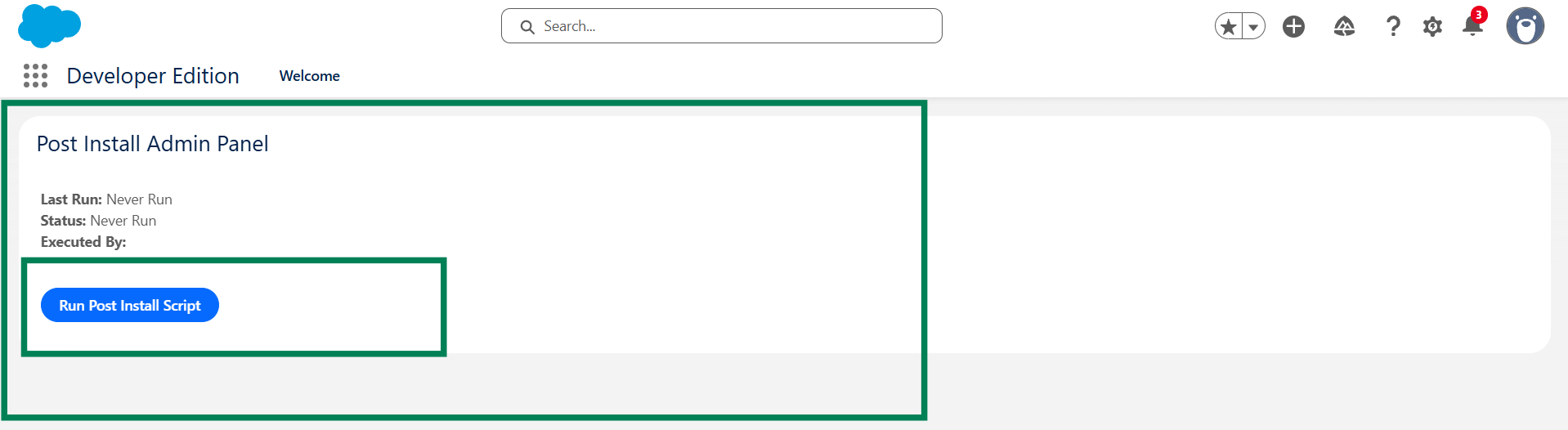
- Open the Post Install Admin tab from the App Launcher.
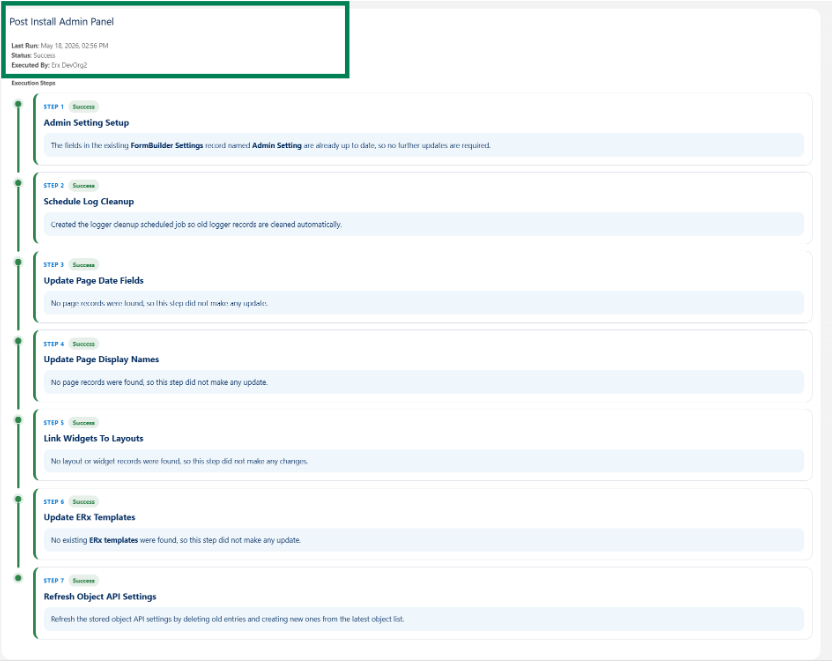
- Confirm that the last execution date and time, last execution status, and execution-by-user details are visible.
- If post-install execution was skipped, select Run Post Install
Script.
- Confirm the pop-up message and proceed with execution.
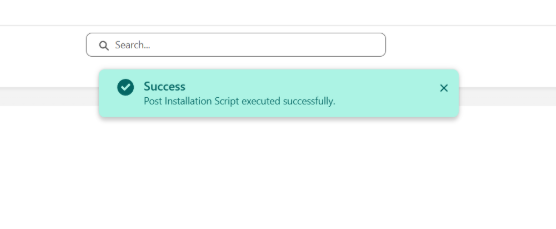
- Verify that a success message is displayed after execution.
- If an error is displayed, review Portal Package Logger records or the
applicable package logs.