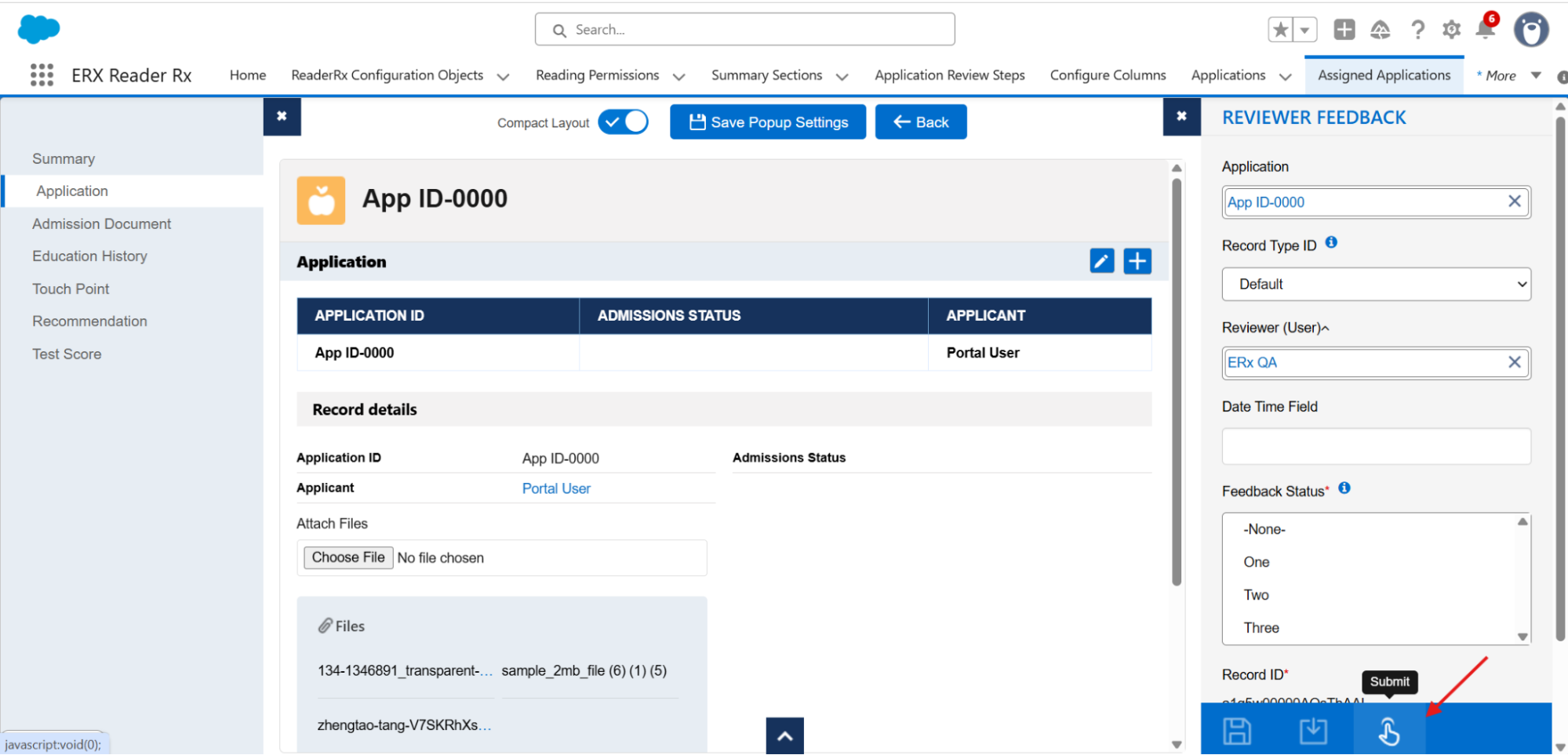
Configurable Application Submission Control
Overview
New in 2026 Release 1, administrators have configurable control over which users can submit applications via the Submit Application button on the review screen.About this Feature
To deliver this improved functionality, a new Submit value has been introduced under the Granted Permissions field of the Reading Permission object. This value is inactive by default and can be activated by administrators through the Salesforce Setup menu.
Once enabled and assigned to a user, the Submit Application button becomes
available and functional for that user.
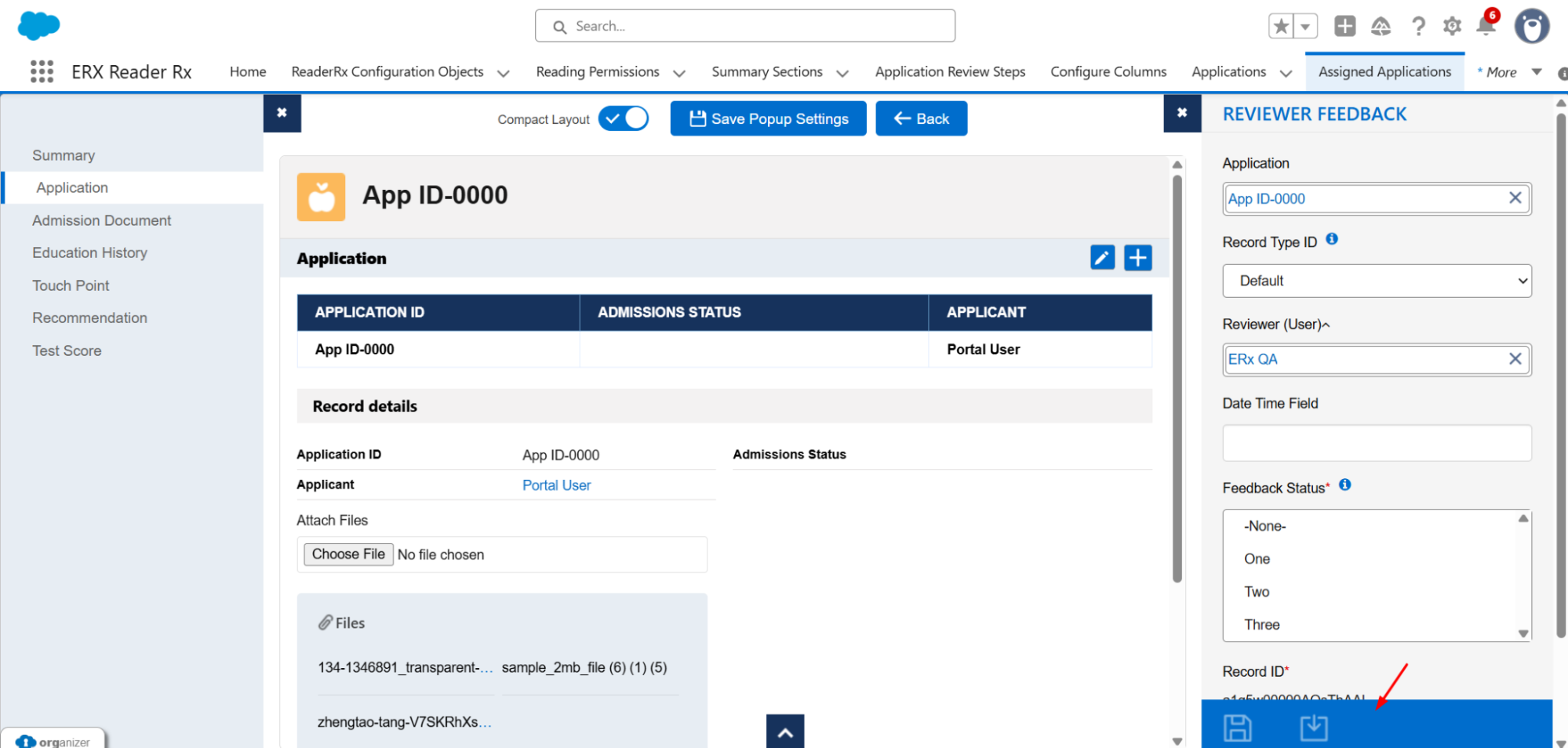
If the permission is not granted, the button
remains hidden or disabled, ensuring that only authorized users can complete the
submission process through the user interface.